
Apple Services Face Widespread Disruptions, Including iCloud and Apple Pay
Many Apple users experienced problems with services like iCloud, Apple Pay, and the App Store on Tuesday, November 17, 2026. Users reported issues signing in, downloading apps, and even activating new iPhones. While Apple's official System Status page initially showed most services as normal, it later acknowledged issues with iCloud Account & Sign In, App Store, Apple Music, and AppleCare on Device.
By The Junior Post
Published
Recommended for ages 10+. Editorial guidance, not a guarantee of individual suitability.
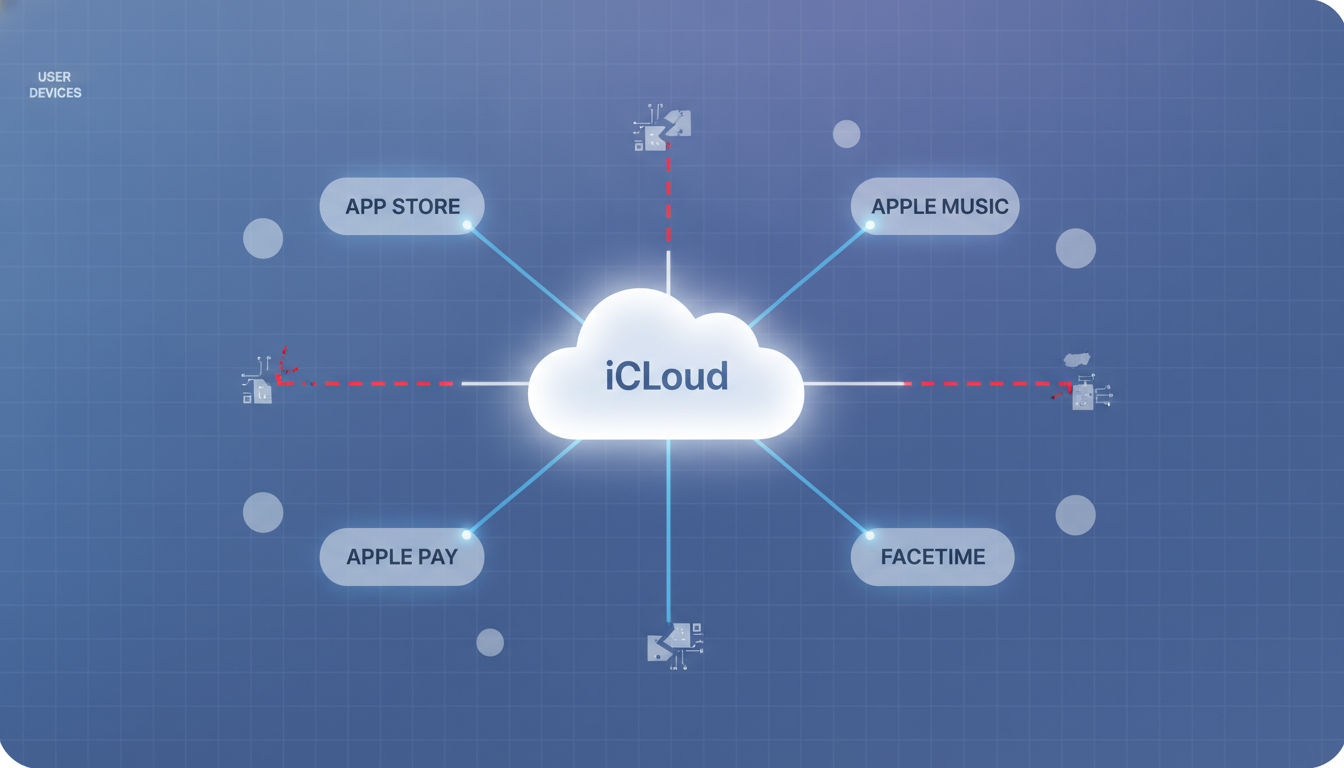
On Tuesday, November 17, 2026, many users of Apple products reported having trouble with several important services, including iCloud, Apple Pay, and the App Store. People found themselves unable to sign into their Apple accounts, download new applications, or even activate brand-new iPhones.
Reports of these problems quickly spread, with many users sharing their difficulties online. While Apple's official System Status page initially showed most services working normally, it later updated to show that iCloud Account & Sign In, the App Store, Apple Music, and AppleCare on Device were experiencing issues.
The problems included unexpected sign-outs from iCloud on iPhones and Macs, followed by error messages when trying to log back in. Some users also couldn't get the App Store to load or download apps. Developers, who create apps, also reported being unable to access App Store Connect, which is where they manage their applications.
It's important to note that not everyone was affected by these disruptions, and the issues seemed to vary for different users. Apple has not yet publicly shared what caused these widespread problems. This incident follows another iCloud outage that occurred just a week earlier, on November 10, which affected services like Mail, Contacts, and Calendar.
If you ever experience issues with Apple services, it's a good idea to check Apple's System Status page for the latest information. Sometimes, problems are on Apple's side, and simply waiting for them to fix it is the best solution rather than trying to change your own device settings.
Knowledge Vault
Cloud Services
Cloud services are like storing your files and using programs over the internet instead of directly on your computer. This means you can access your information and apps from any device with an internet connection. iCloud is an example of a cloud service where you can store photos, documents, and other data.
System Status Page
A system status page is a website provided by a company that shows whether their online services are working correctly. It often uses colors or symbols to indicate if a service is available, experiencing issues, or completely down. Checking this page can help users understand if a problem they are facing is widespread or specific to their device.
Quick check
Three questions
Check your understanding with three questions about this story.
Practice for fun. Ask a parent to create a free family account to save your scores and badges.
Which of these Apple services was reported to be affected by the November 17, 2026, disruption?
- Apple Maps
- Apple Pay
- Apple TV+
- Apple Books
What color typically indicates that an Apple service is operating normally on the Apple System Status page?
- Yellow
- Red
- Green
- Blue
If you are having trouble with an Apple service, what is a recommended first step?
- Immediately reset your device to factory settings.
- Check Apple's System Status page.
- Change your internet provider.
- Buy a new device.
Choose your answers and check your score in the interactive quiz when it finishes loading.