
Government Warns WhatsApp Web Users: Log Out to Stay Safe from Cybercriminals
India's Cyber Crime Coordination Centre (I4C) has issued an important warning for WhatsApp Web users. They advise everyone to be careful when using WhatsApp Web on shared or public computers, always logging out manually to prevent cybercriminals from taking over accounts, reading private messages, or sending fake messages.
By The Junior Post
Published
Recommended for ages 10+. Editorial guidance, not a guarantee of individual suitability.
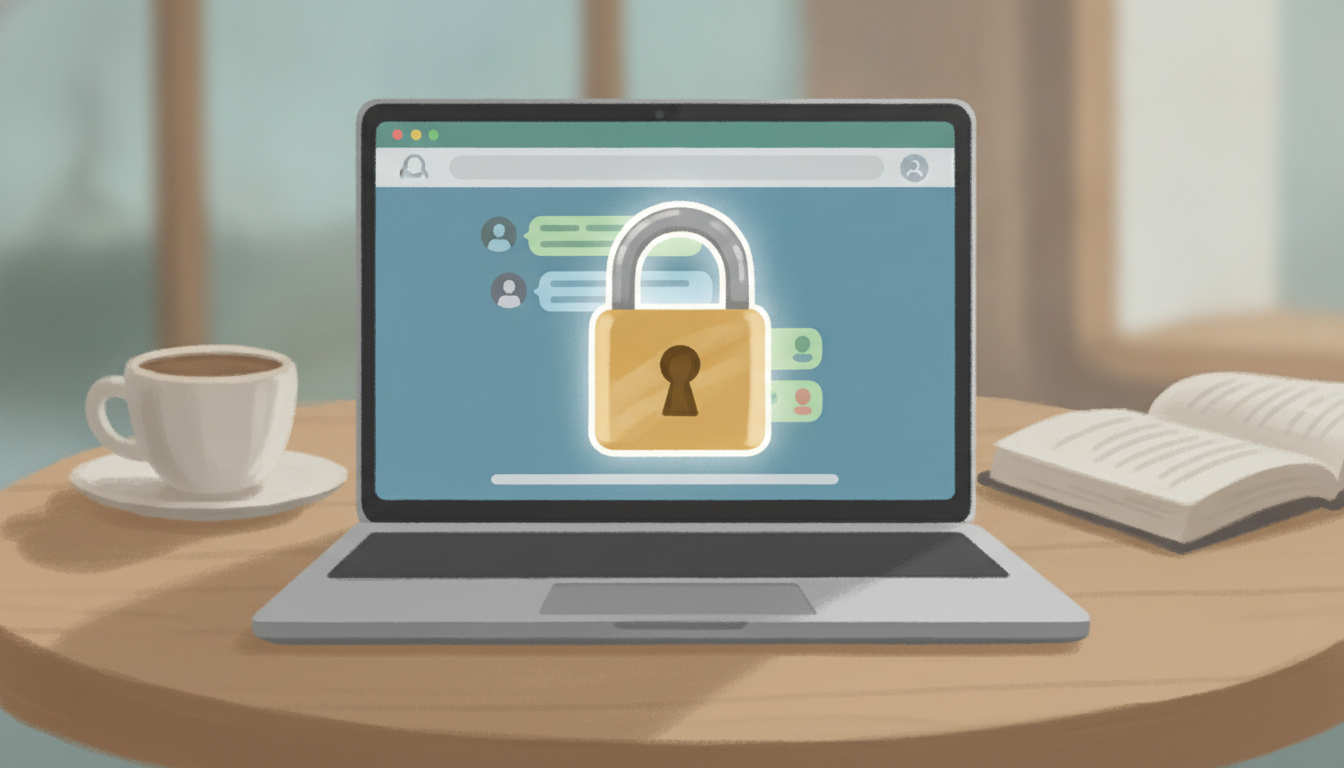
The Indian Cyber Crime Coordination Centre (I4C), which is part of the Ministry of Home Affairs, has issued a serious warning to all WhatsApp users. They want everyone to be extra careful when using WhatsApp Web, especially on computers that others might also use, like those in offices, schools, or public places.
The National Cybercrime Threat Analytics Unit (NCTAU) of the I4C explained that if you leave your WhatsApp Web session logged in on a shared computer, a malicious person could easily gain control of your account. This means they could read your private messages, send messages pretending to be you, look at your contacts, and even join your group chats. They might use your trusted identity to trick others, commit fraud, or carry out phishing attacks.
It's not enough to simply close the browser window or tab after using WhatsApp Web. The I4C advisory stresses that you must manually log out of your session every single time. If you don't, your account could remain open for someone else to access.
To keep your account safe, the I4C recommends avoiding WhatsApp Web on public computers like those in cyber cafes, hotel business centres, or public kiosks. If you absolutely must use it on a computer that isn't your own, try to use 'Incognito' or 'Private Browsing' mode, and always remember to log out manually before closing the browser.
The advisory also suggests avoiding sharing sensitive information, like government, financial, or confidential details, through WhatsApp Web on computers. Users should also watch out for any unusual activity on their accounts, such as unexpected messages being sent or strange replies from contacts. Keeping your computer's operating system, browser, and security software updated is another important step to stay safe online.
Knowledge Vault
Online Session Security
When you log into an online service like WhatsApp Web, you start an 'online session'. This session tells the service that it's really you using it. If you don't properly 'log out', the session can stay active, meaning someone else could use the computer to access your account without needing your password. Always logging out manually closes this session and keeps your account safe.
Quick check
Three questions
Check your understanding with three questions about this story.
Practice for fun. Ask a parent to create a free family account to save your scores and badges.
What is the main danger of leaving your WhatsApp Web session logged in on a public computer?
- Cybercriminals can access your private messages and impersonate you.
- Your computer will run slower.
- Your phone battery will drain faster.
- You might accidentally send messages to the wrong person.
According to the I4C, what is the most important step to secure your WhatsApp Web session after using it?
- Simply close the browser window or tab.
- Manually log out of the session.
- Turn off the computer.
- Clear your browser's history.
Which type of information does the I4C advise against exchanging through WhatsApp Web on computers?
- Casual greetings with friends.
- School homework details.
- Government-related, financial, or confidential information.
- Pictures of pets.
Choose your answers and check your score in the interactive quiz when it finishes loading.